Speak
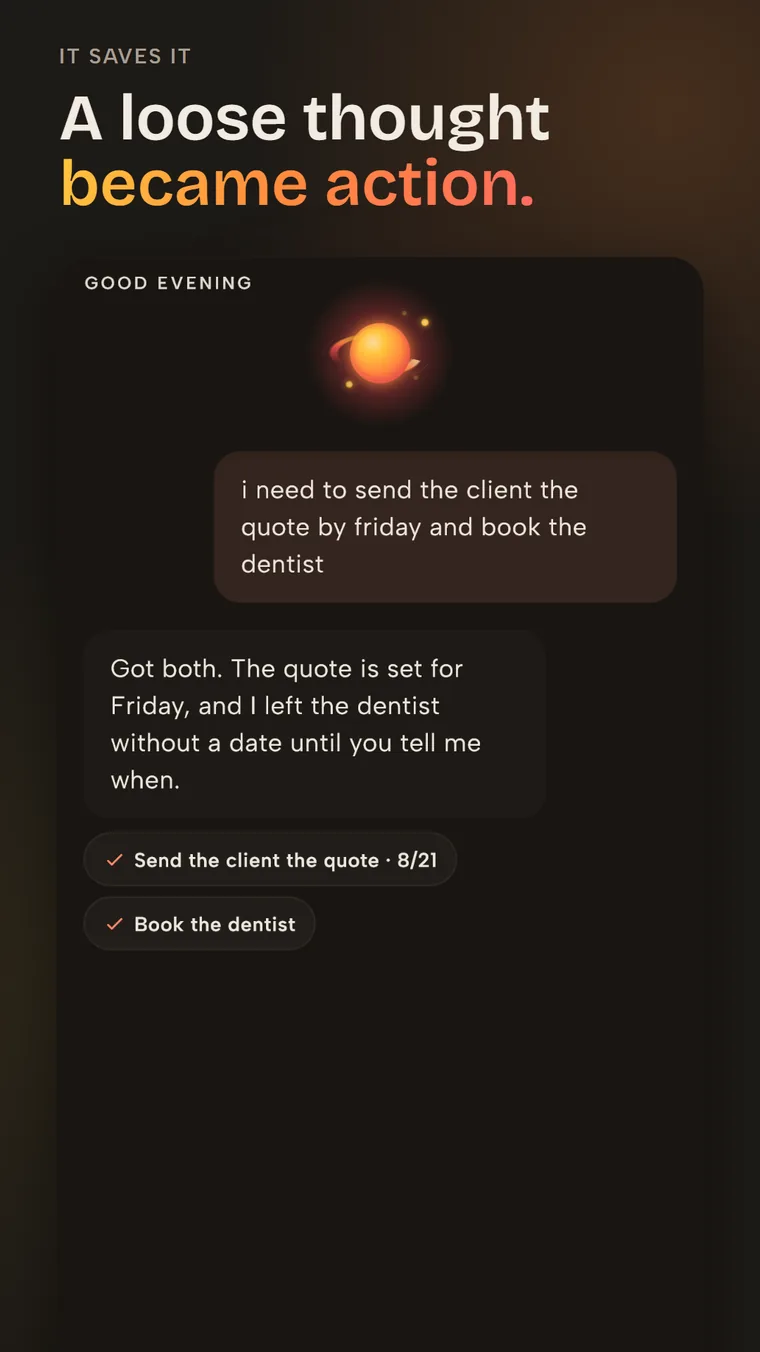
Talk to the AI while the idea is still fresh.
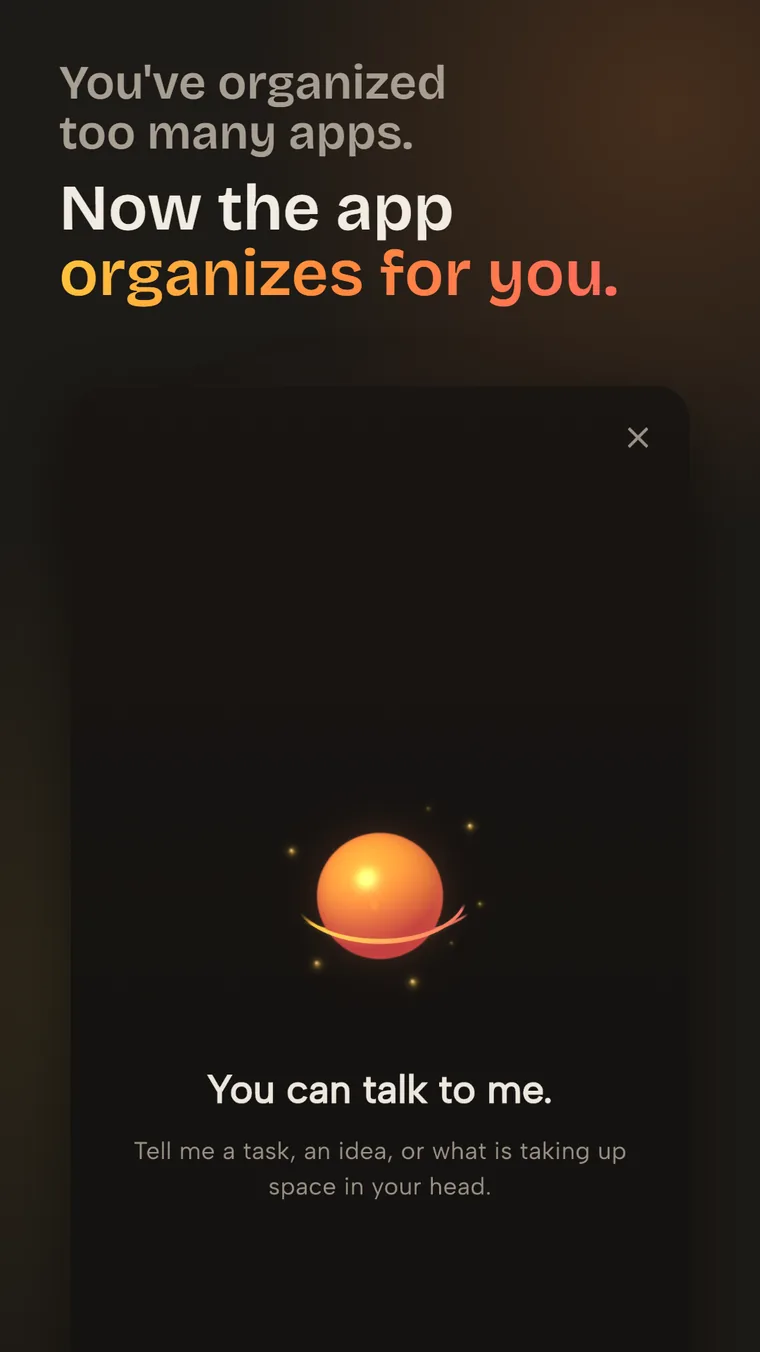
You've organized enough apps already.
Say what's on your mind. It saves it, organizes it, and reminds you later, without you opening the app again.
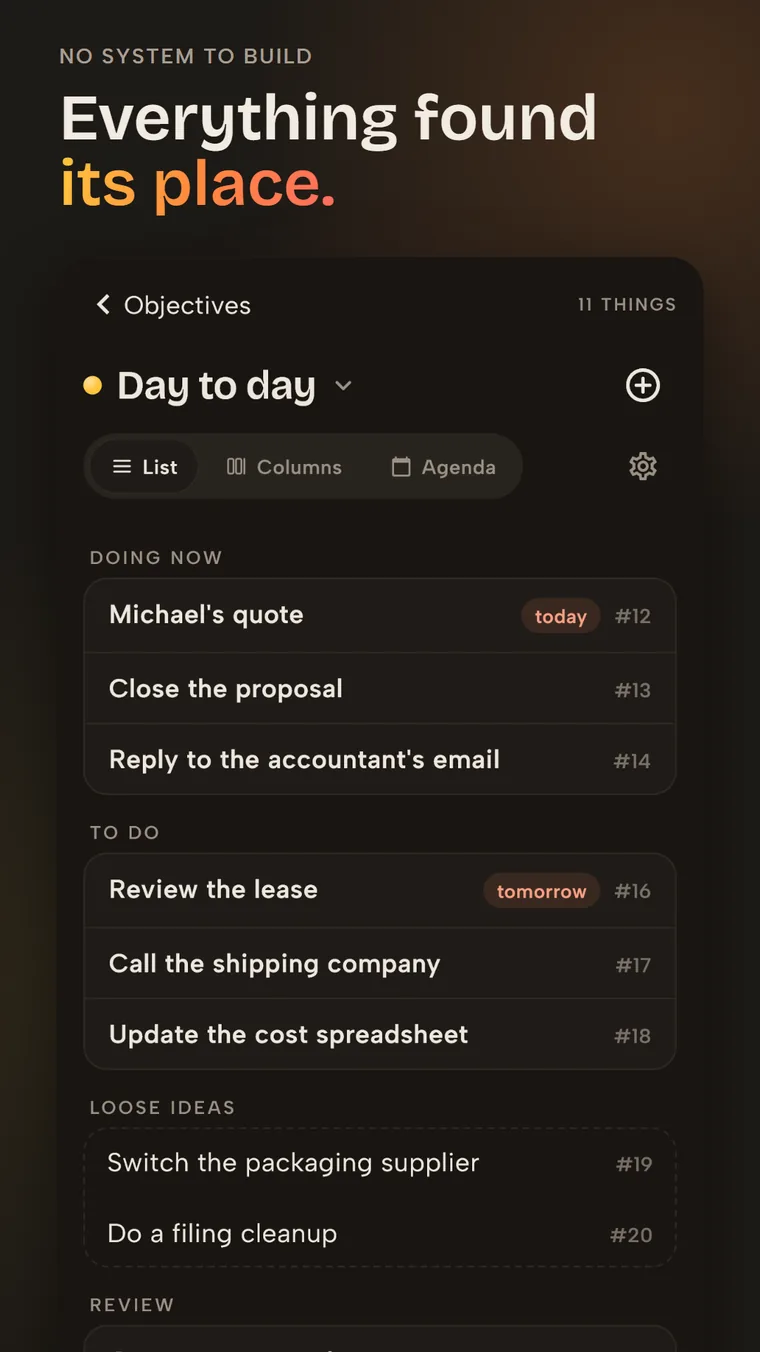
Vidally keeps working after you close the app.
One way in
You do not have to decide where everything belongs before you begin. Start in the way that feels natural for the moment; Vidally handles the path from idea to action.
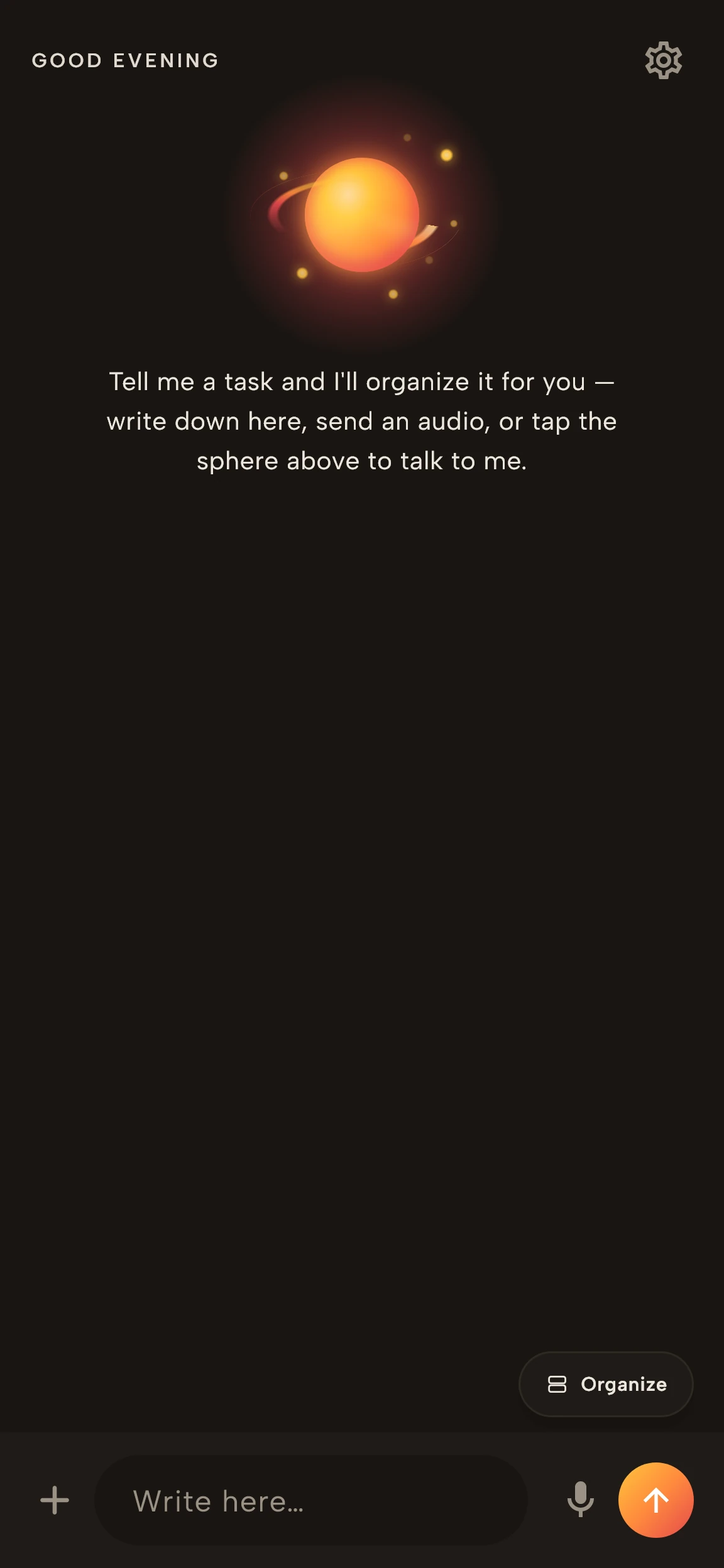
Talk to the AI while the idea is still fresh.
Drop the sentence as it came. Structure can appear later.
Meetings and audio stay useful after the conversation ends.
Recordings
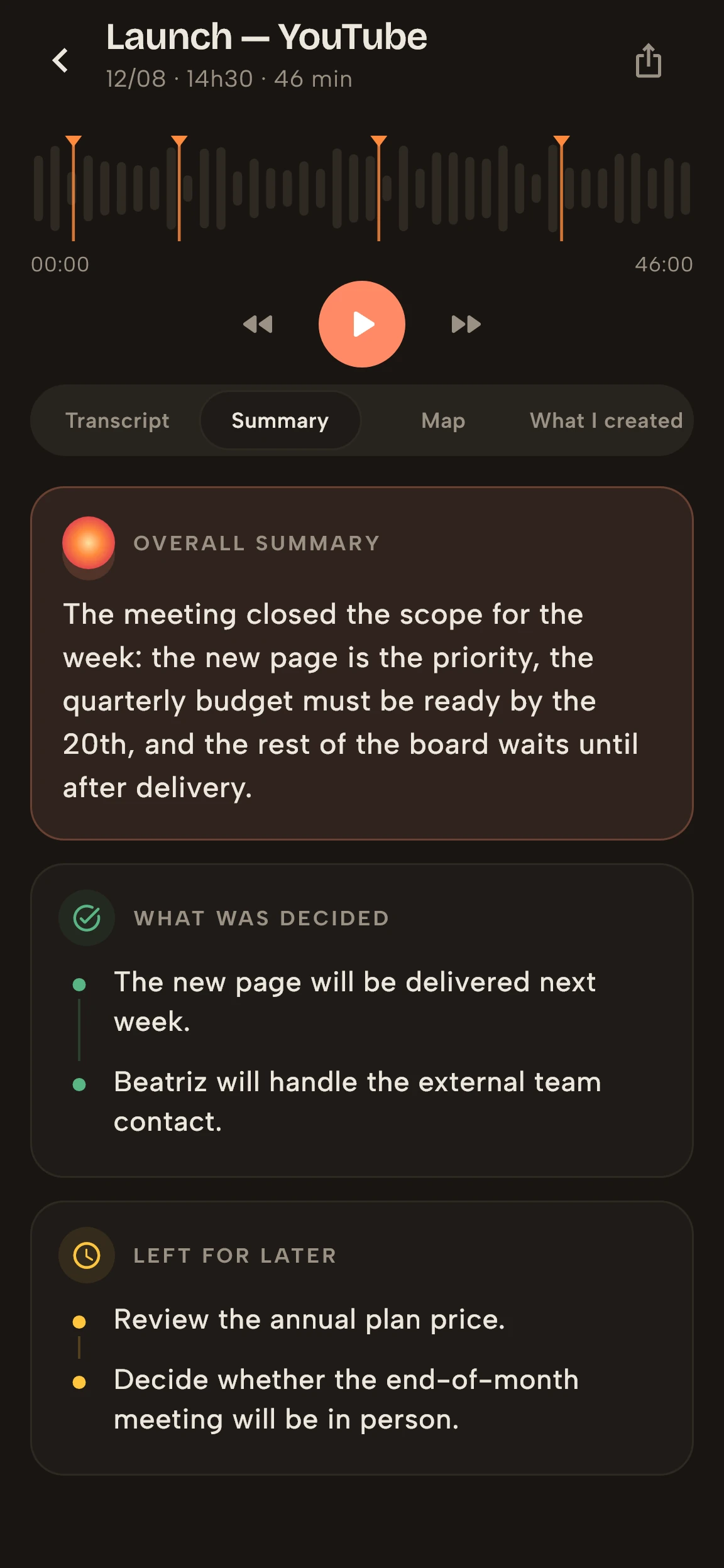
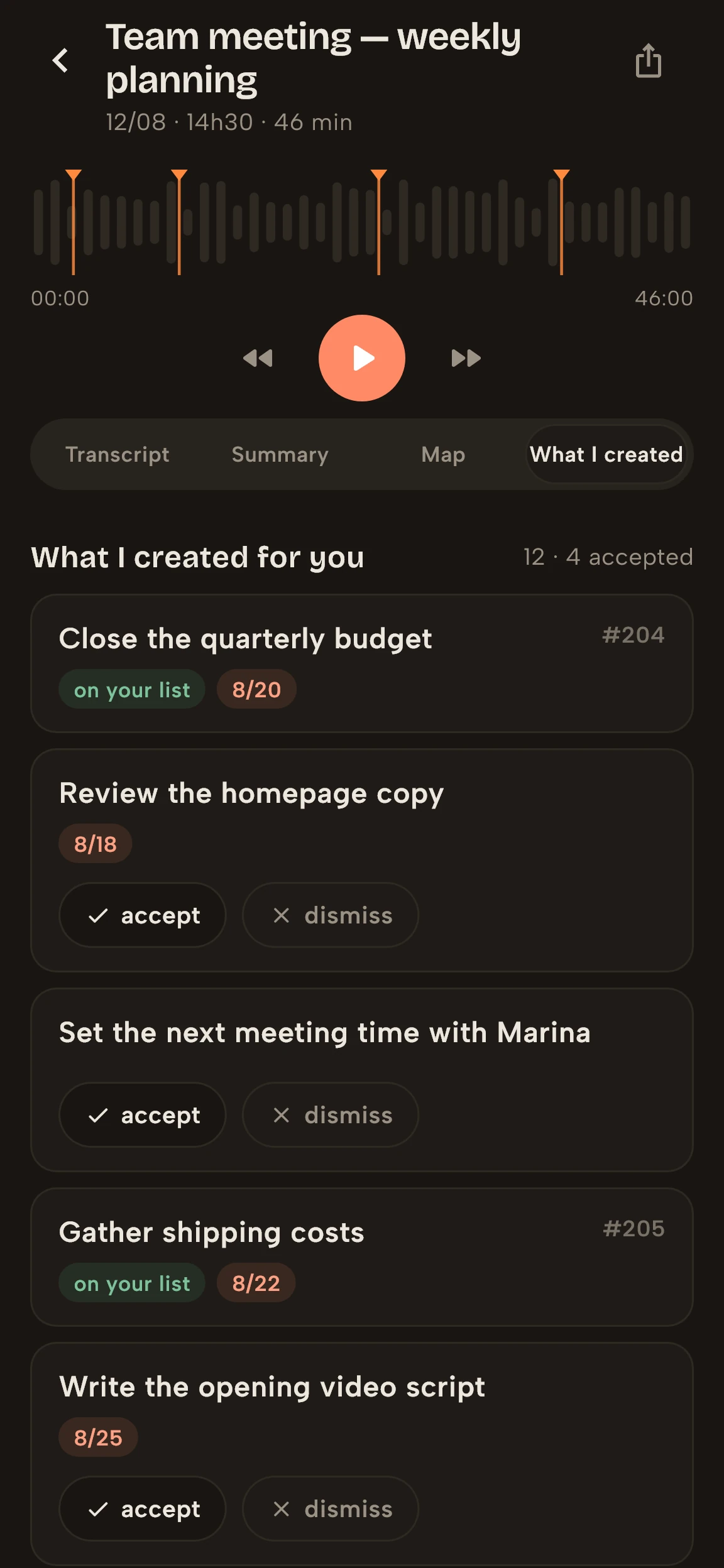
Record, transcribe, and return to what matters. Vidally separates the summary, decisions, items for later, and actions you can approve before they enter your day.
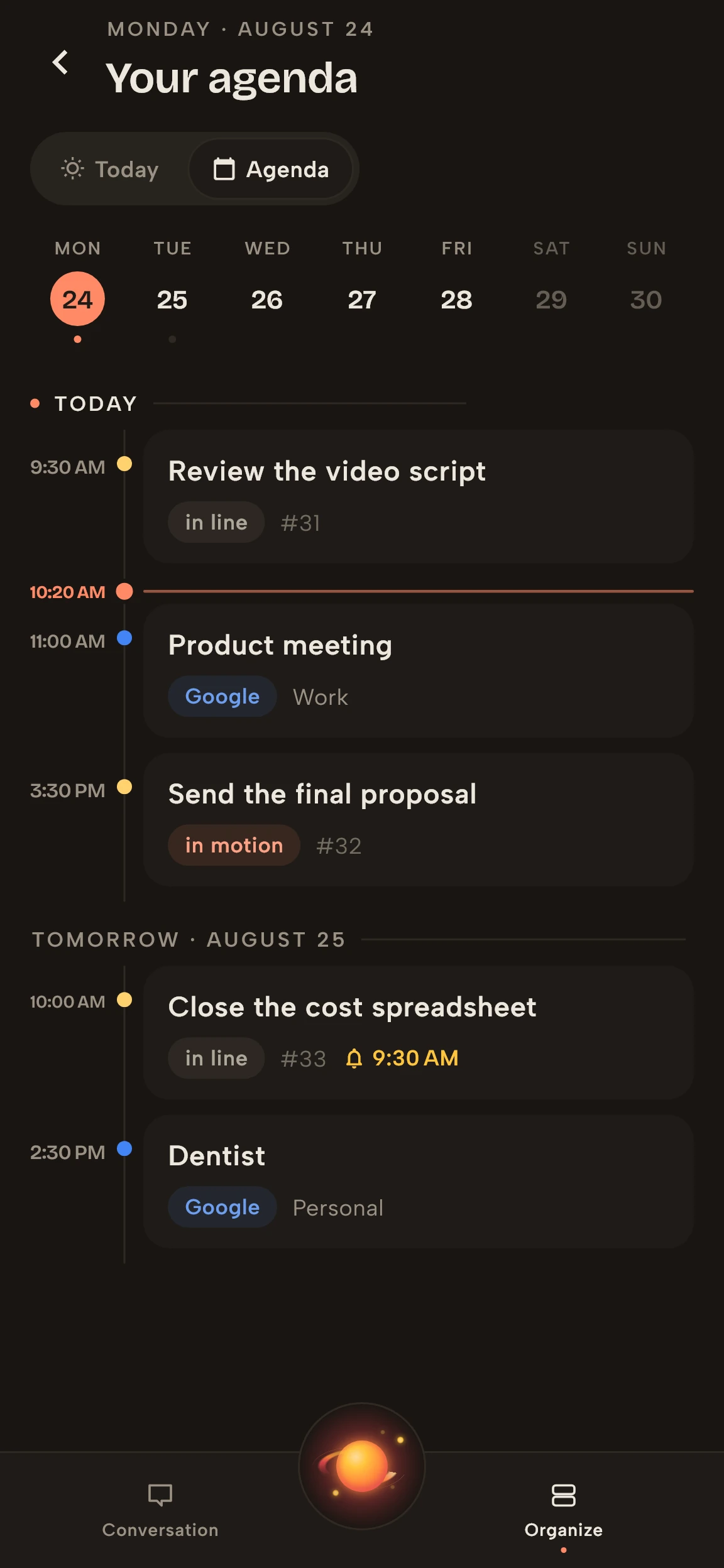
Calendar
Google Calendar events, Vidally tasks, and open time appear in one view. Planning no longer means piecing together a puzzle across apps.
Documents
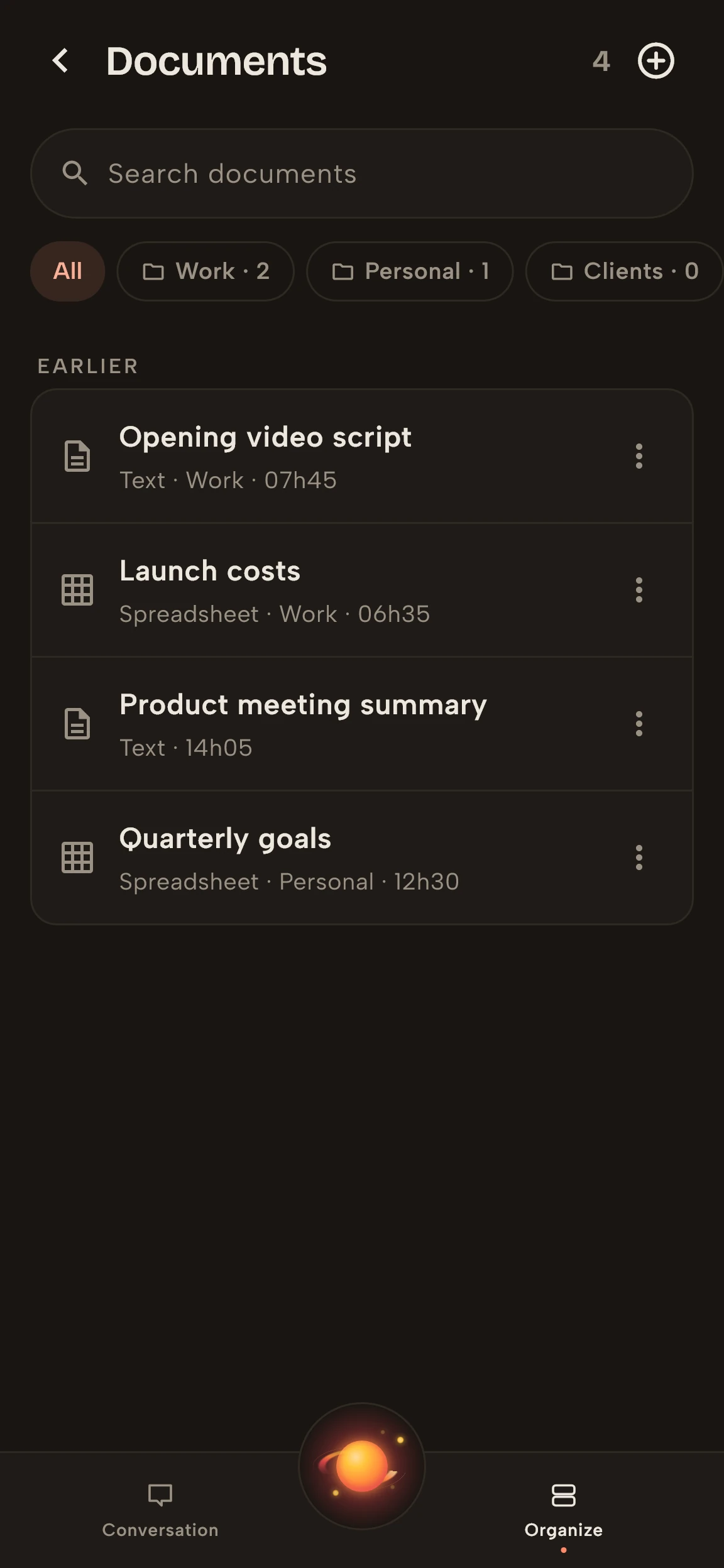
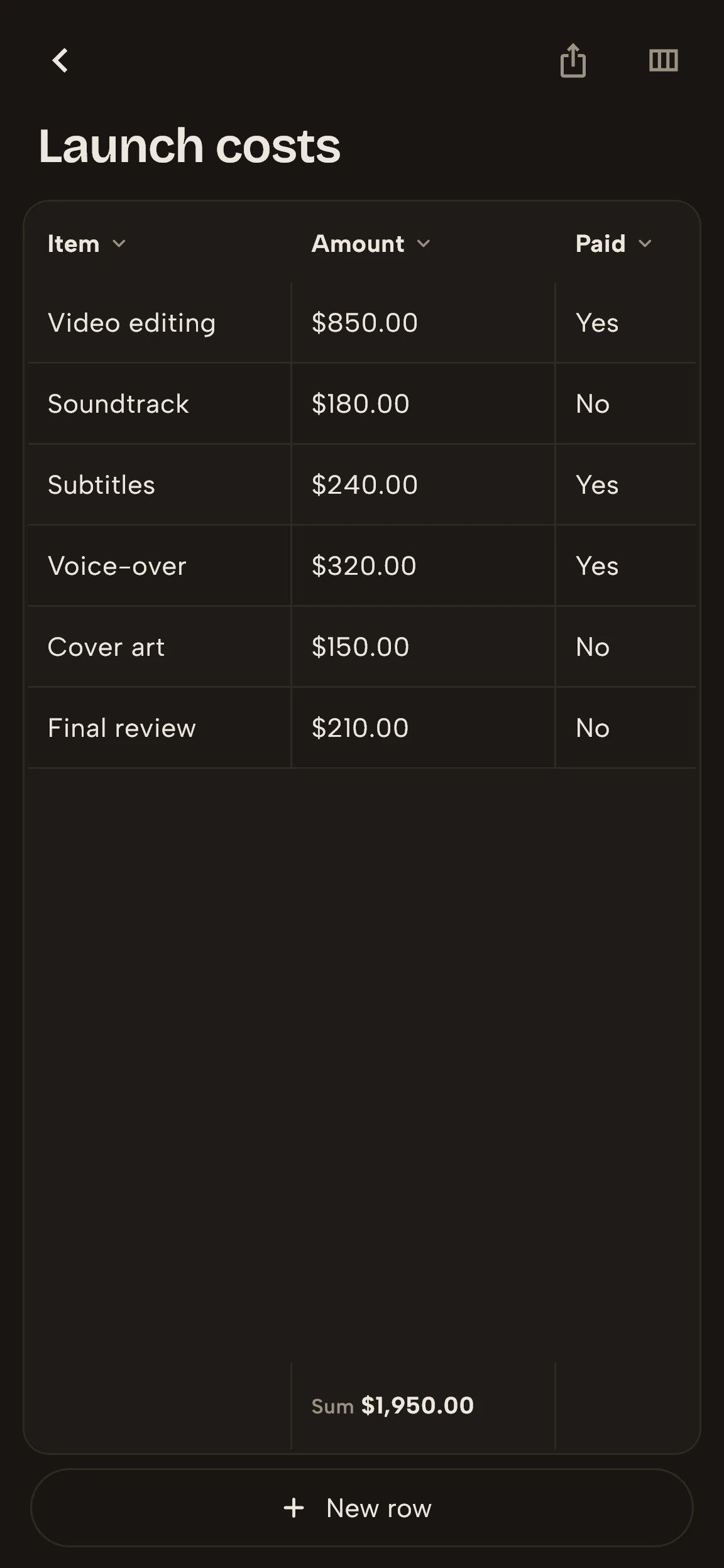
Create documents and spreadsheets within the same conversation. Review the result, keep working on it, and export it in the format the moment calls for.
Integrations
Connect tools without turning your routine into a collection of manual bridges. Google Calendar and GitHub already take part in the flow; new integrations follow the same principle.
One connected system
The value appears when one feature carries context into the next, without making you retrace the path.
A meeting, a class, or an idea out loud.
Transcript, summary, decisions, and relationships.
You approve what makes sense before it is organized.
Tasks enter the real context of your calendar.
Documents, projects, and integrations carry the context.
Across screens
Your context follows you. Capture on mobile and open more space in the browser to review recordings, documents, your calendar, and everything Vidally organized.
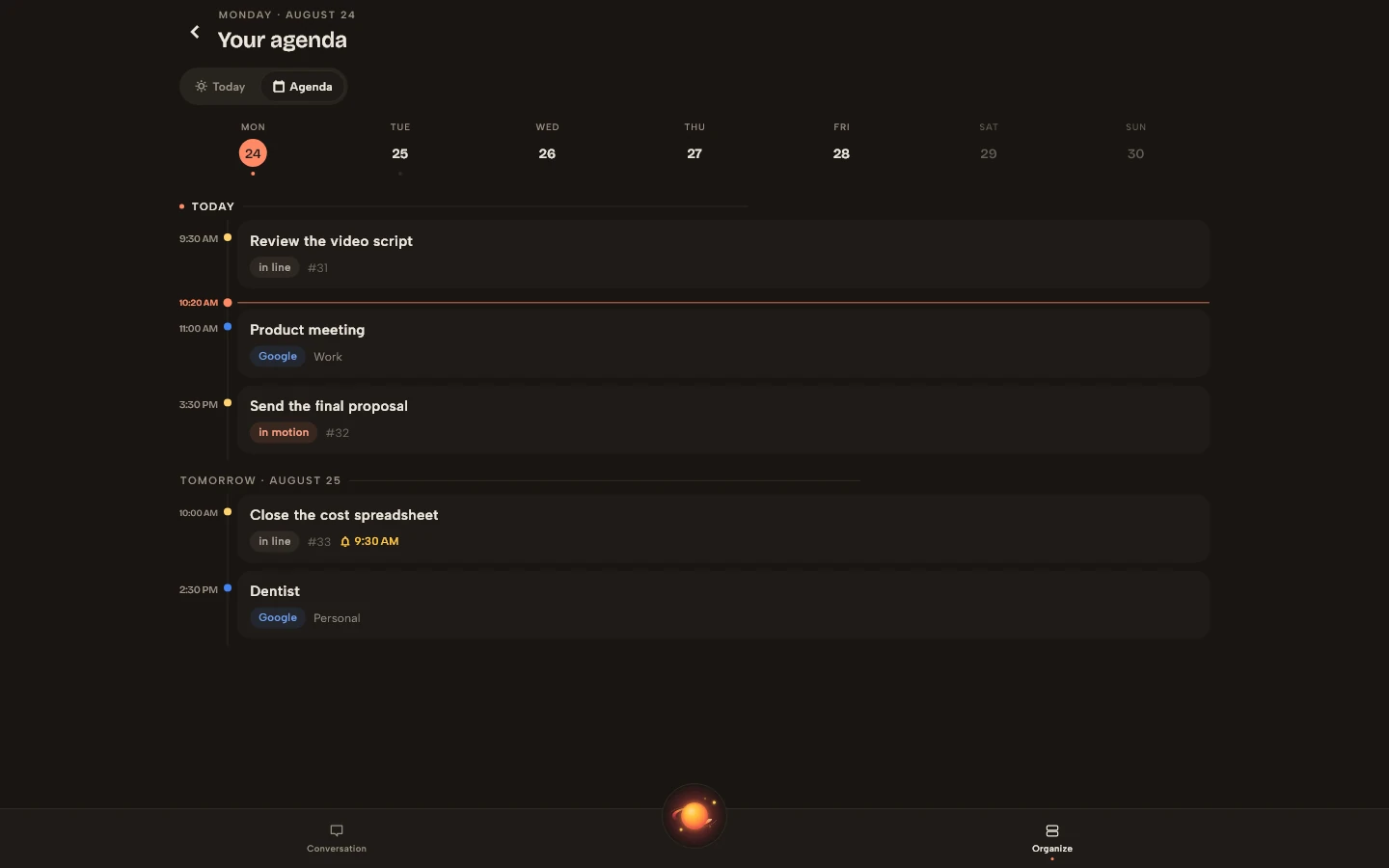

Night world
A more concentrated presence when you need to reduce the noise and keep going.

Day world
The same intelligence on a light surface for organizing, reviewing, and deciding.

It is the ally that listens, organizes, and connects what your life already produces, in your way and at your pace.
Choose your store and start using Vidally.
Available on the App Store and Google Play.
Questions
On the web, Android, and iPhone, with the same account and context. The watch is the next step.
It starts as an intelligent layer on top of the mess: capture, organize, and remind. In several flows, this reduces the need to open separate tools.
No. The whole point is to remove the weight of building a method, folder, board, and routine just to get started.
Yes. AI understands conversations, turns voice into structure, creates documents, and keeps what matters from slipping away. It works behind the scenes; you just talk.